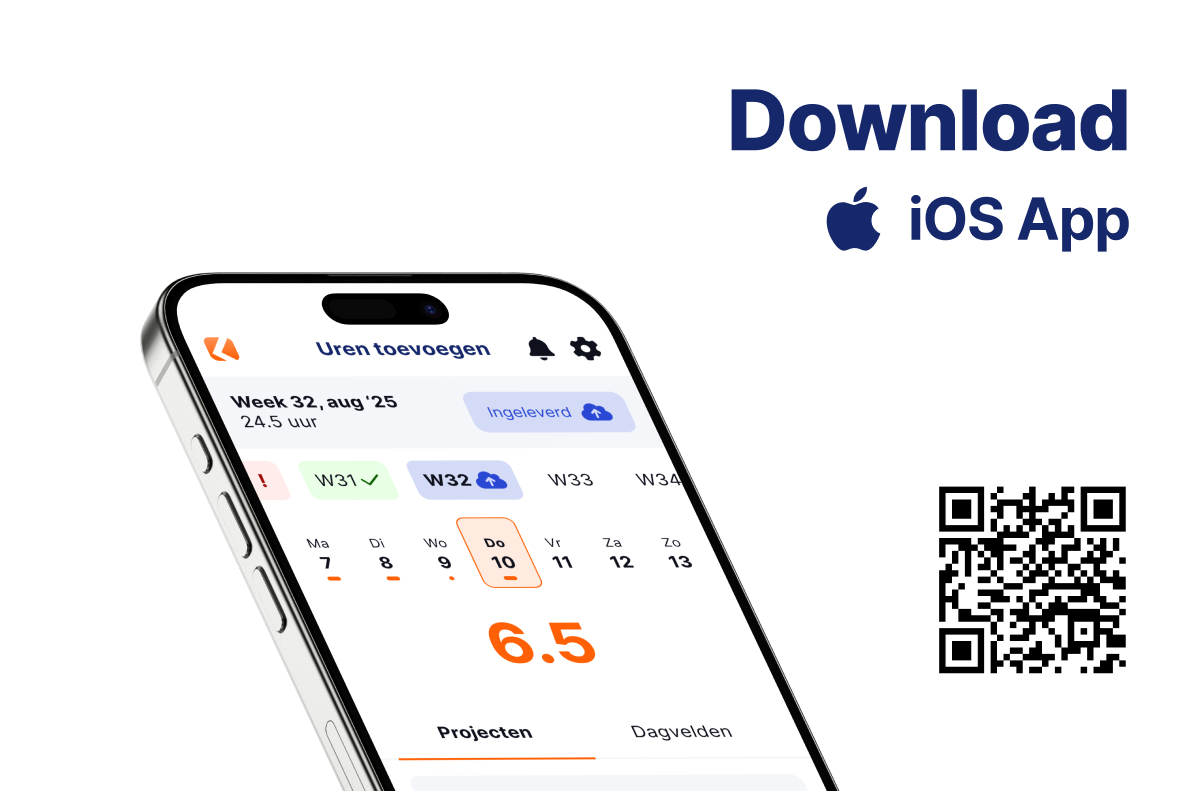
iOS & Android app

There is an app available for iOS and Android. In this app you can log in with several accounts. Does your employee record hours in ClockWise for your own time tracking as well as for another (project) organisation in a different ClockWise account? Then both can be set up in the app.
Quick to get going

Easy to use

Free service desk

ClockWise app op een smartphone

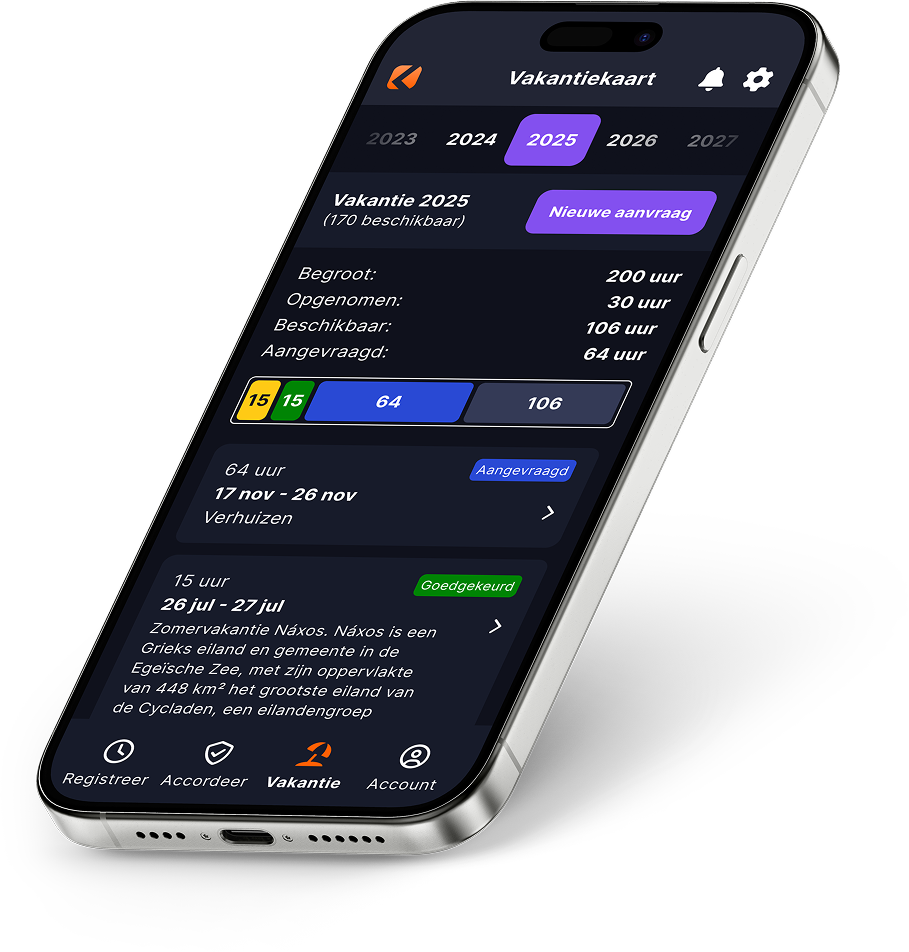
In dark mode too

On OLED screens dark mode saves battery. That means longer use and less charging Dark mode offers a calmer visual experience in dark surroundings Dark mode can of course also be a personal preference, tastes differ
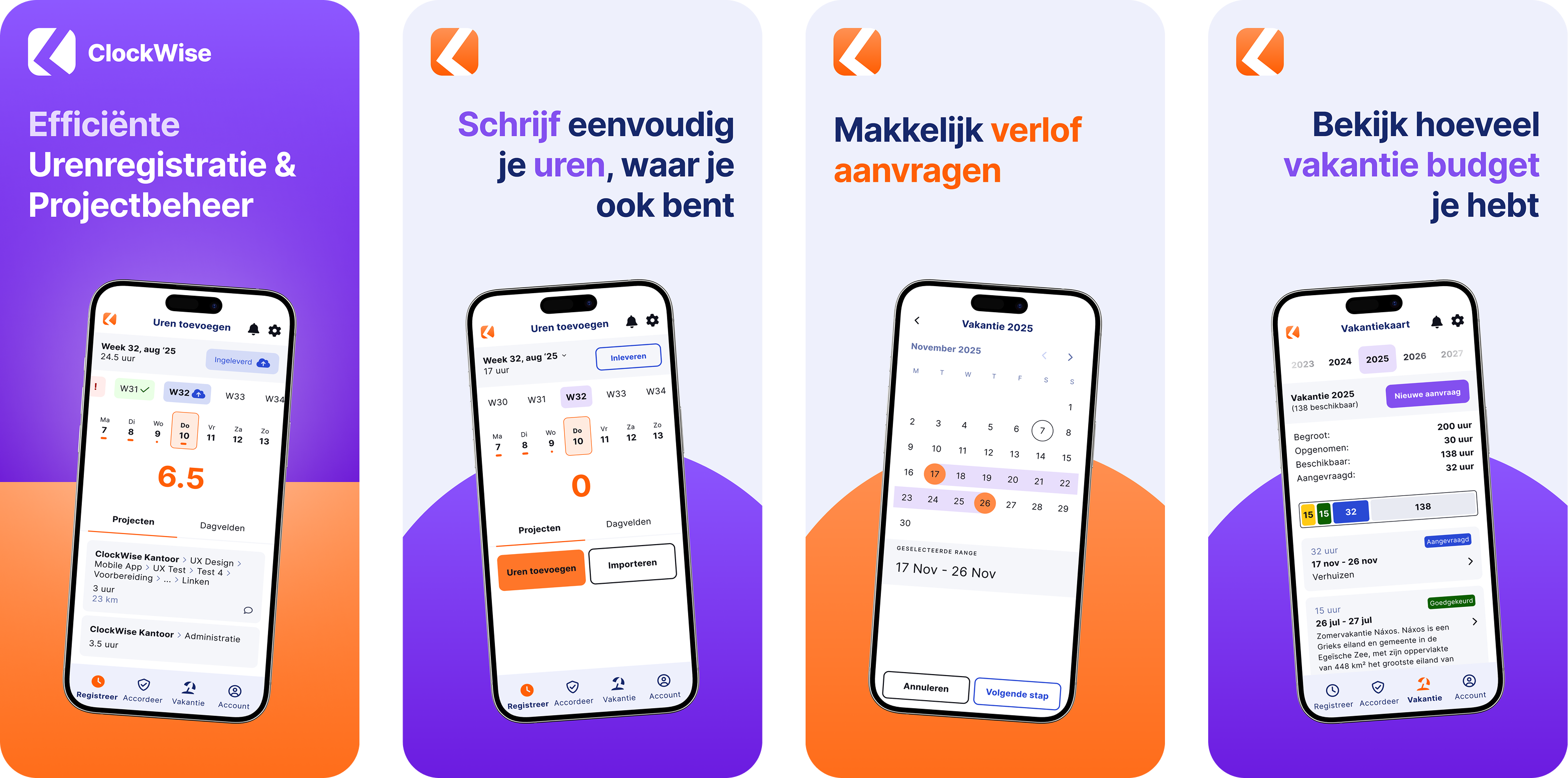
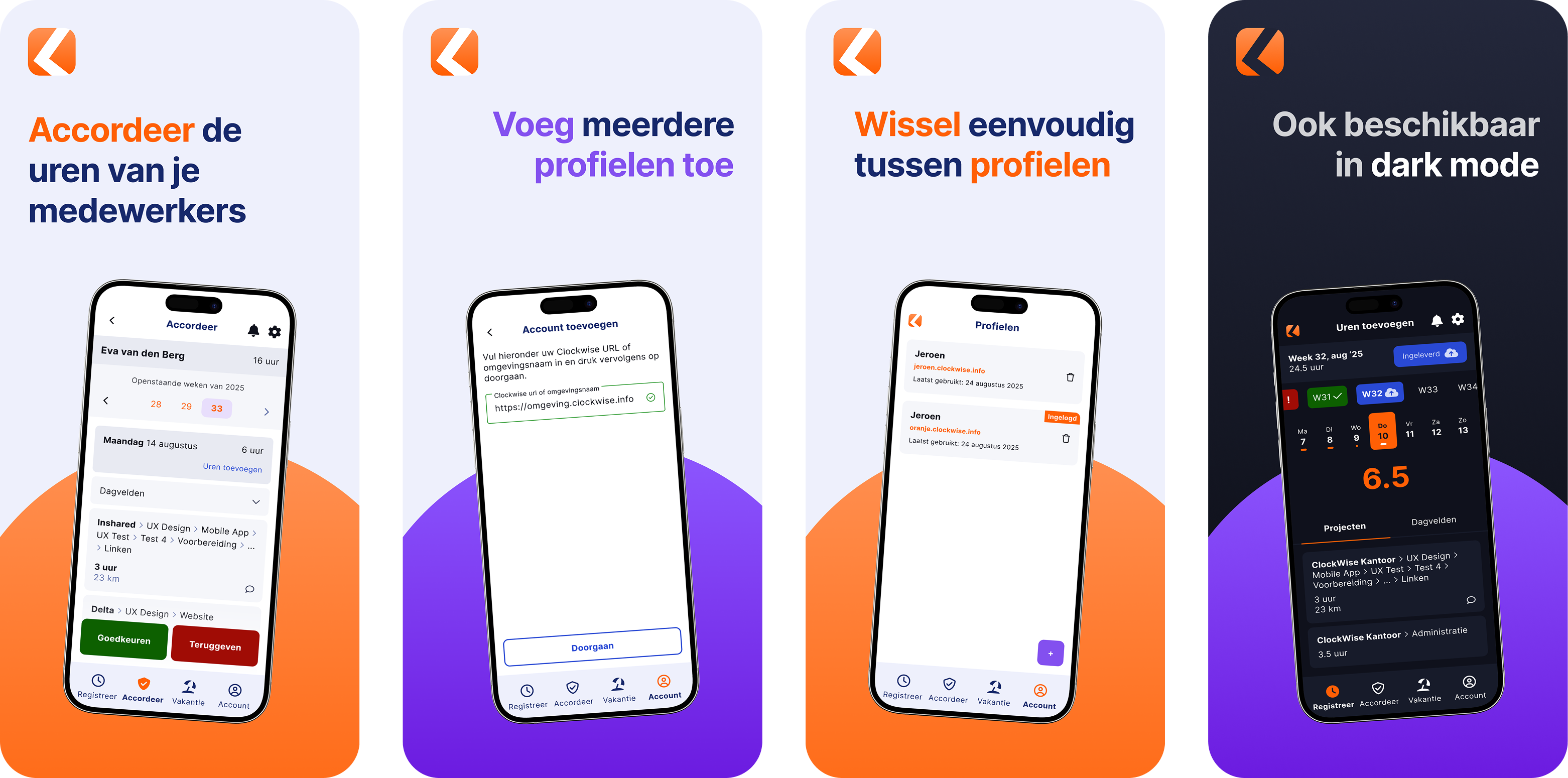
For a quick impression

Take a look at the images

Overzicht 1

Overzicht 2

Discover in 30 minutes what ClockWise can do for your organization

During a personal demo, we will take you through ClockWise and show you how the application aligns with your daily operations. Together, we will look at your workflow, challenges, and requirements, and immediately demonstrate how ClockWise can help.
Frequently asked questions

See if your answer is here

What can you do with the ClockWise mobile app?

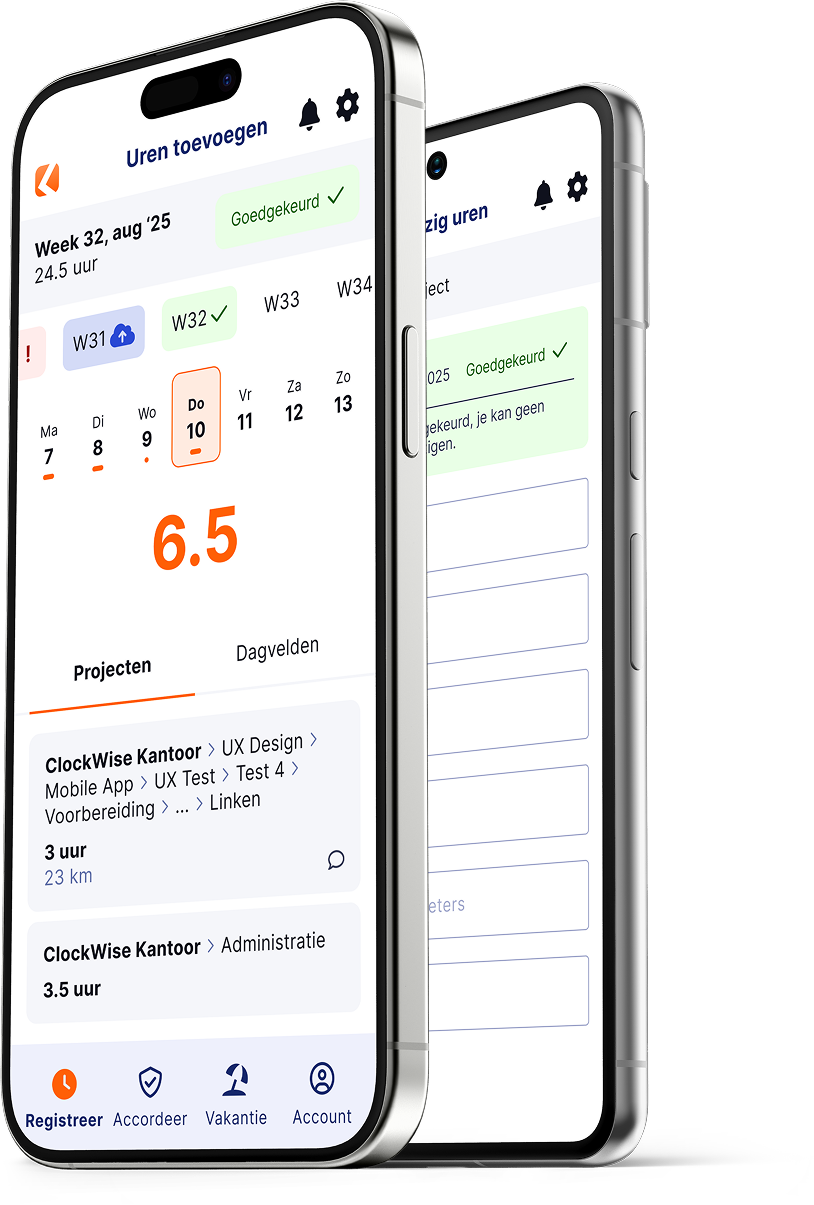
With the mobile app you can record hours, submit your hours and request leave. If you are a manager, you can also approve the hours of projects or of your employees.

Can I enter my hours and leave in the app?

Yes. Simply record your hours per project or activity and request days of leave. You see straight away how many days you still have available and which ones have already been approved. Everything is synchronised automatically with the web version of ClockWise, so you are always up to date. Want to know more about our holiday card? Click here.

How do I keep an overview and view reports?

The app gives you a clear overview of all your projects, hours and outstanding tasks. You can also view reports and overviews of hours and projects, so you quickly have insight into your work while you are on the move.

Is the ClockWise app secure and easy to use?

Yes, the app meets privacy requirements, including an ISAE 3402 SOC 1 report. You can manage your personal settings, such as language and notifications, and you can even enter hours offline for a while: as soon as you are back online, everything synchronises automatically. The app is intuitive and therefore easy to use.