ClockWise for your internal project administration
Easy and quick to set up: that is what we often hear. If, as a large organisation, you want to start tracking your hours on all your ongoing projects, it can sometimes feel as if setting up something like that must take a lot of time. Not with ClockWise! The flexible project structure makes a lot possible. Projects can be arranged in project folders, workstreams and cost codes, and you can organise it in a way that makes it easy for users to record hours and clear for the administrator where everything is. That way, as a large organisation, you get exactly the hours data out of ClockWise that you want. Would you like to talk that through with us? We would be happy to show you what is possible in a demo.


Ontdek hoe EDSN met ClockWise grip kreeg op interne projecten

“ClockWise runs at our company like a well-oiled train: smooth, efficient and exactly on schedule.”
A few of our clients













It does not matter what kind of solution you are looking for...
There is a possibility for everything

Approving hours
Invoicing is faster because you have your hours approved digitally with ease.
Discover more

Requesting leave
Manage holiday and leave requests, including approvals and up to date overviews.
Discover more

Reversed billing
Generate purchase invoices for your freelancers
Discover more

Mobile app
Gain insight into the hours you have worked, available on multiple devices!
Discover more
Curious what ClockWise can do for your organisation?
Curious what ClockWise can do for your organisation? Discover how ClockWise makes your projects clearer and collaboration easier. During a no-obligation demo we show you in around 30 minutes how ClockWise fits your way of working, and we answer all your questions.

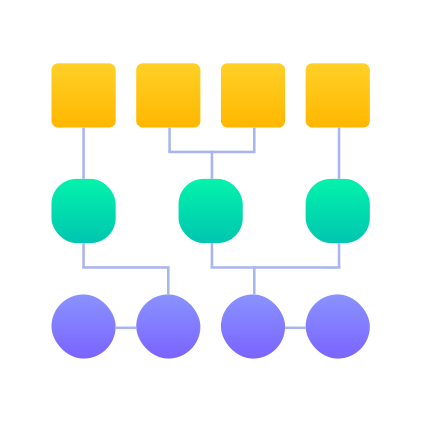
Set it up the way you want
Do you want to split projects into parts and divide those up even further? With our flexible project structure you can create any structure you want. A complete Work Breakdown Structure fits in. On top of that, larger organisations often have many different job roles. In ClockWise you create your own roles with names you choose yourself, so they are recognisable to you. For the audit you simply print out the roles in your own environment.
Frequently asked questions