Want to view reports easily? ClockWise helps!

With ClockWise you get a grip on your projects and your team's productivity thanks to powerful reports. Whether you only enter the basics, such as a project name and an employee, or extensive details such as budgets and staffing: everything you enter translates into valuable insight.

ClockWise klok illustratie

Always clear

The reports in ClockWise give you insight at a glance into your budgets, work in progress and staffing per week or month. You immediately see whether you are staying within budget, and if someone goes over budget, that becomes visible in red straight away. This gives you the control to step in quickly and keeps your projects running smoothly.

Simplicity and flexibility come first

You can open reports directly in Excel or XML, but you can also integrate them seamlessly with Power BI for in-depth analysis. We have an integration with Power BI and Qlik available straight away. With these integrations you retrieve data easily and you can regenerate periodic reports in one click. Entering rates makes it possible to calculate not only hours, but also the associated turnover per week or month. This gives you a detailed overview of the financial performance of your projects and helps you make strategic decisions based on hard data.

Report on hours worked in ClockWise

ClockWise also offers extensive time tracking that goes beyond the bare figures. You can see exactly who recorded which hours, what has been approved and whether the hours have already been invoiced. You can filter these detailed insights per client, employee or period, so you always have the right information to hand. Thanks to the flexible filter options you can also save complex settings and easily reuse them later. With ClockWise you not only have a clear picture of the past, you are also fully prepared for the future.

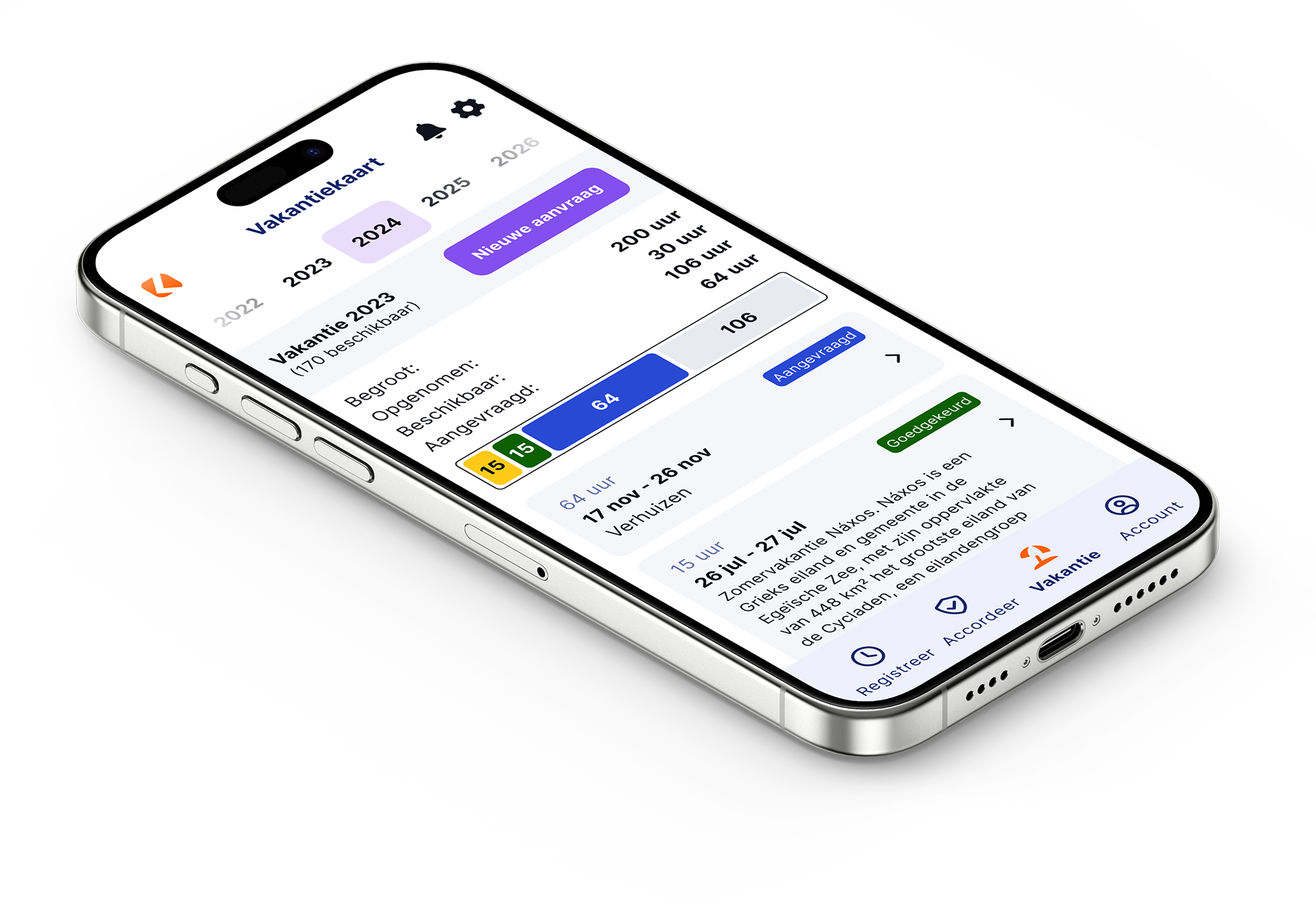
ClockWise app op een smartphone

Plan een demo van 30 min in

Tijdens een korte demo nemen we jullie mee door de belangrijkste functionaliteiten van ClockWise. We laten zien hoe alles werkt, beantwoorden jullie vragen en kijken samen welke mogelijkheden het meest interessant zijn voor jullie organisatie.

Experience it yourself

We understand that implementing ClockWise straight away is a big step. That is why we offer ClockWise free for 4 weeks. During those 4 weeks you can use all the features, with the support of our service desk.
Illustratie bij het gratis uitproberen van ClockWise

Frequently asked questions

See if your answer is here

Am I required to keep a record of hours worked?

Yes. As an employer in the Netherlands you are required to record the hours your employees work. That is laid down in the Working Hours Act. The law is simply there to make sure people do not work too much and get enough rest. How exactly you keep those records is up to you, as long as your registration is clear and reliable. Discover here how ClockWise can help you keep a clear and correct record of hours.

Is switching to ClockWise complicated?

No, switching to ClockWise is simple. The system is easy to use and quick to understand, so you can get started without long or expensive implementation projects. We guide you through the setup where needed, so you can switch quickly and smoothly and work efficiently right away.

What service does ClockWise offer?

Our customer service is directly available by phone, by email or through the website. No ticket systems or endless waiting times, but a colleague who thinks along with you straight away. Whether your question is about settings, reports or invoicing, we are here for you. Many customers choose ClockWise precisely because of our personal approach and short lines.

Does ClockWise have a knowledge centre?

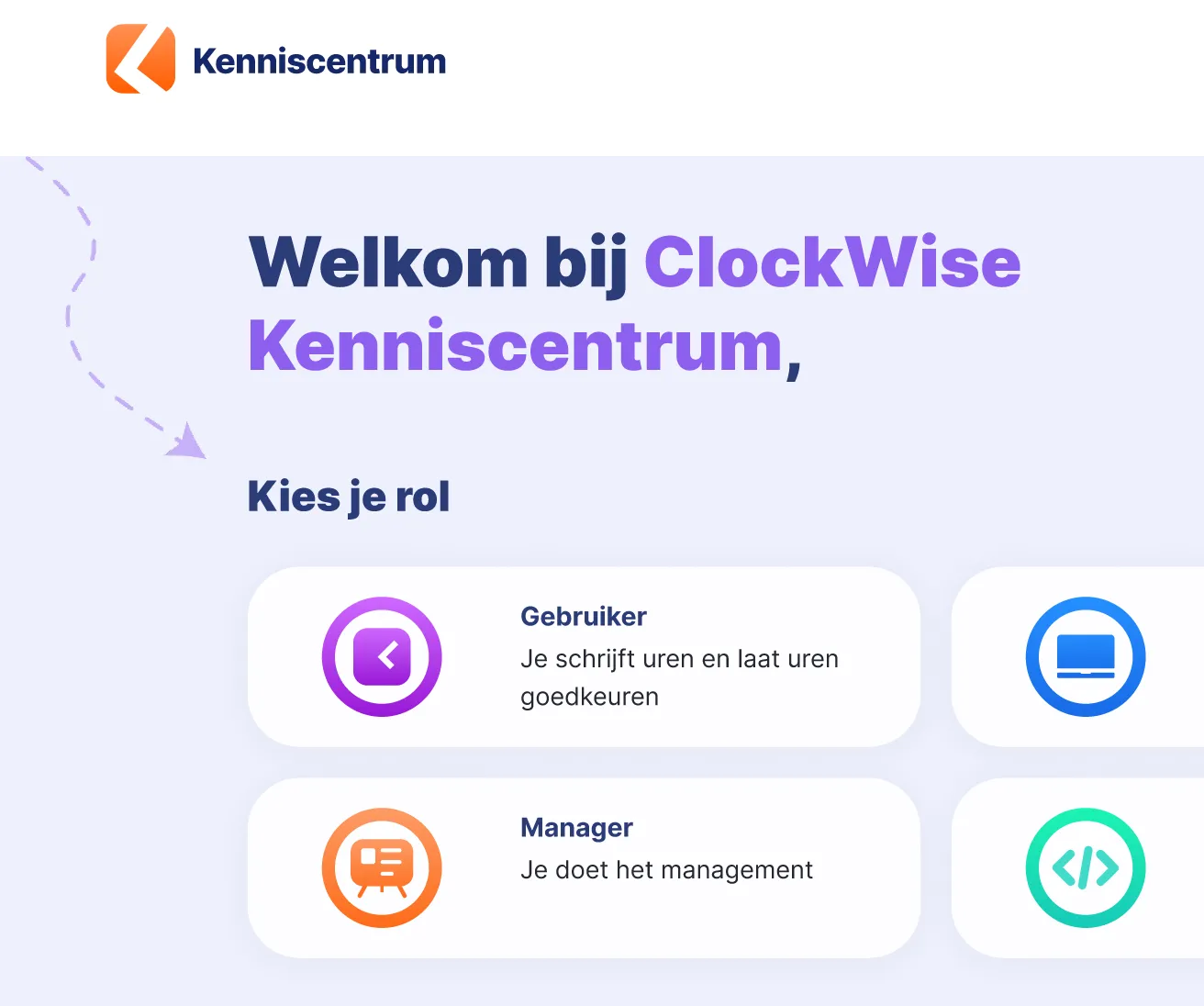
ClockWise has kenniscentrum.clockwise.info, where you can find answers to your questions about time tracking and the hours screen, the holiday card, the reports and the financial options in ClockWise. If you get stuck, you can always contact our service desk.

Does ClockWise have an API?

ClockWise has an API. It is accessible once you have a ClockWise subscription. With the API you can retrieve data for your dashboard, for example in Power BI or Qlik, or you can create projects and employees.

What does time tracking give me?

Time tracking offers many benefits. It gives insight not only into employee activity and productivity, but also into costs and the efficiency of your work processes. Time tracking is also important for assessing project status and returns, and it forms the basis for accurate invoicing. It also allows companies to improve their operational efficiency.

Why is time tracking important for R&D projects?

Do you work on innovative projects, or do you want to make use of subsidies such as the Dutch WBSO? Then good time tracking is often mandatory. The government wants to know exactly how much time is invested in research and development. By keeping your hours neatly, you can easily show that you meet the conditions. That way you avoid missing out on a subsidy and you always have insight into the effort within your R&D projects. Read more here about how ClockWise supports time tracking for the WBSO.

Can I use iDEAL payment links in my invoices?

Yes. With a Mollie account you can easily add iDEAL payment links to your invoices in ClockWise. Customers pay faster and you keep an overview. You connect it by entering your Mollie API key in ClockWise and setting the payment link as a default or per customer. Our team is of course happy to help you integrate this. See here how to add an iDEAL link to invoices.

Are you already a customer, or would you like more information?

Then take a look at our knowledge centre. There you will find an explanation of all the reports and how to put them together yourself.
Illustratie bij het gratis uitproberen van ClockWise