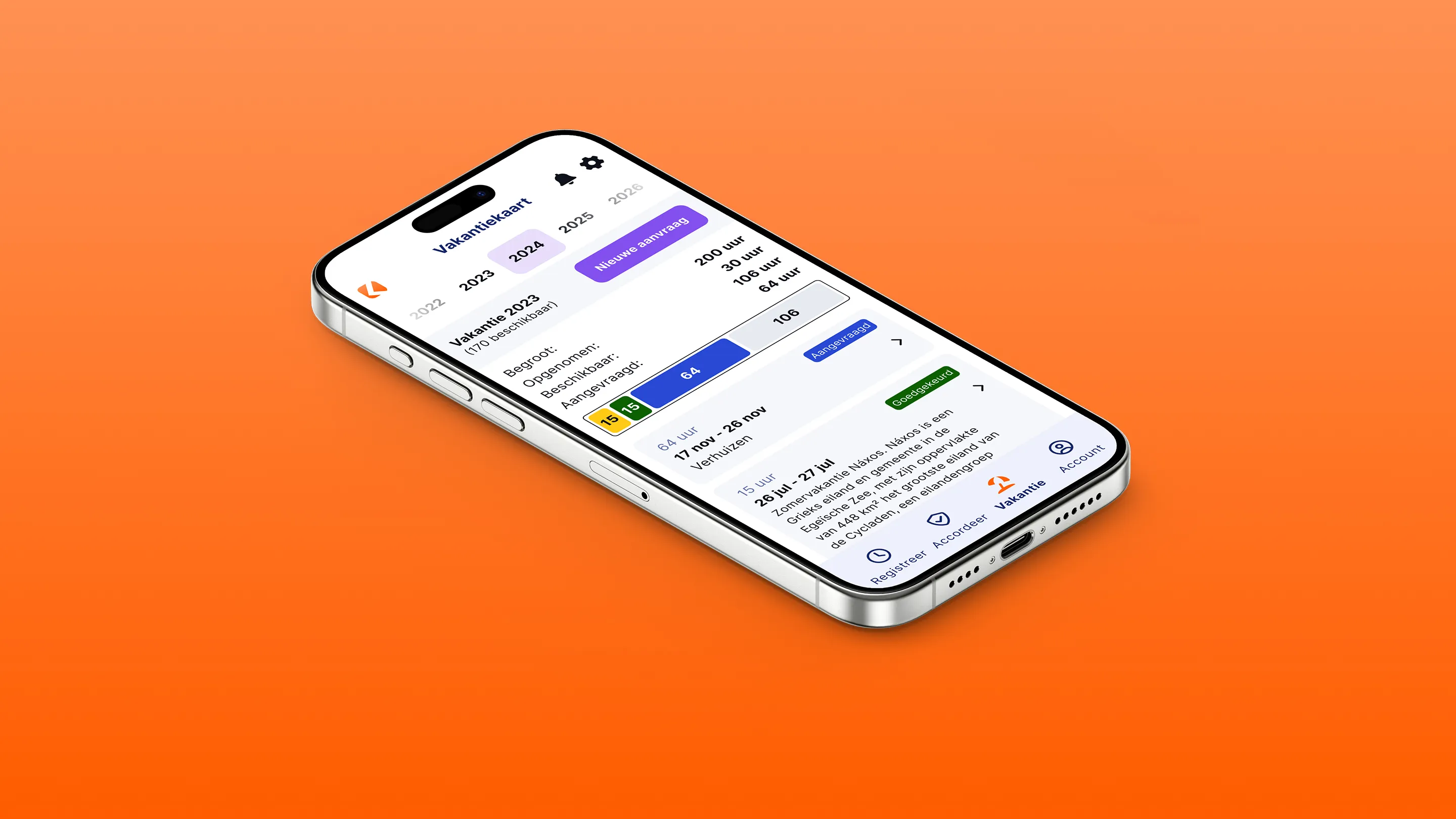
Looking for simple time tracking for project management? ClockWise helps!
Are you a project manager wondering how to keep an overview of all the hours worked? With the project management tools in ClockWise you record hours on projects easily. This not only gives you better insight into progress, it also helps you increase efficiency, control costs and ultimately improve the profitability of your projects.

It does not matter who, what or how...
We make time tracking work perfectly for you
Industry-specific additions
ClockWise is there for every industry. Think of reversed billing or irregular hours allowances: see here all the options that match your needs.
ClockWise everywhere!
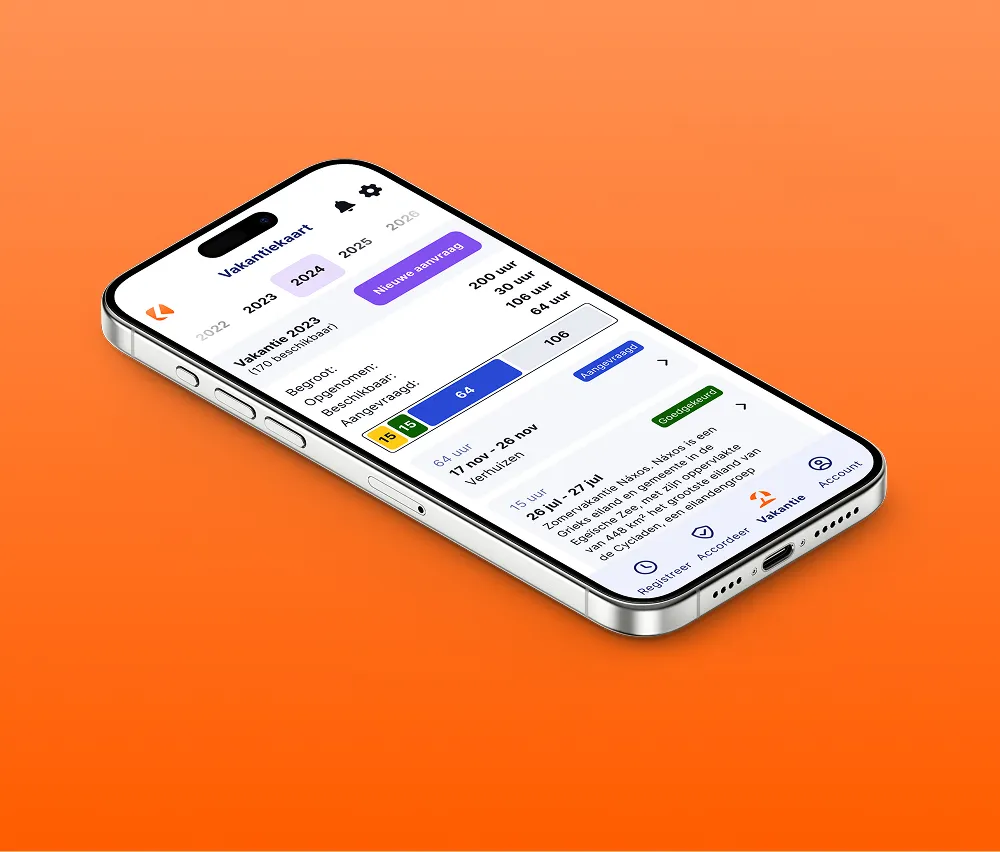
It does not matter where you are. ClockWise is available on your smartphone, on the web and as a Chrome plug-in.
Assign roles & permissions endlessly
Give the right permissions to the right people and assign roles endlessly. Every role you can think of is possible.
Planning and calendar
Get insight into team capacity anytime, anywhere, and schedule appointments easily.
Our project management tools
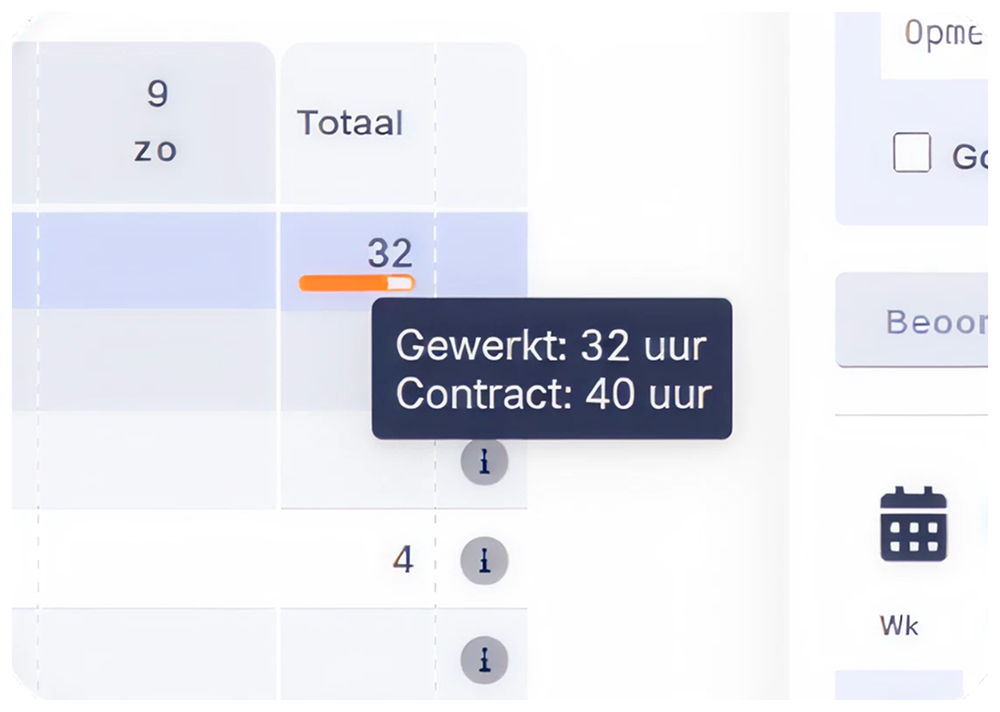
With internal projects it is important to be able to check whether the planned hours match the time actually spent. Project time tracking in ClockWise makes this process simple. You can see straight away whether the estimate of the time needed for a task was right and where any deviations are. This gives you valuable feedback for future planning and helps you draw up more realistic schedules. With the ClockWise planning tool you can schedule hours per employee and per project for a week or a month. This gives you insight not only into progress, but also into the availability of your team. That way you know exactly how much capacity is left for new projects. And if there is a difference between the planned and the worked hours, you see it in the system straight away, so you can adjust in time.
It does not matter what you want from project management…
There is an option for everything
Reports
Keep track of hours, monitor budgets and productivity, and generate detailed reports.
Discover more
Setup
From internal time tracking to invoicing from several legal entities: everything is possible in ClockWise.
Discover more
Schedule a 30-minute demo
During a short demo, we will take you through the core functionalities of ClockWise. We will show you how everything works, answer your questions, and look together at which features are most interesting for your organization.



Working together with several partners on projects
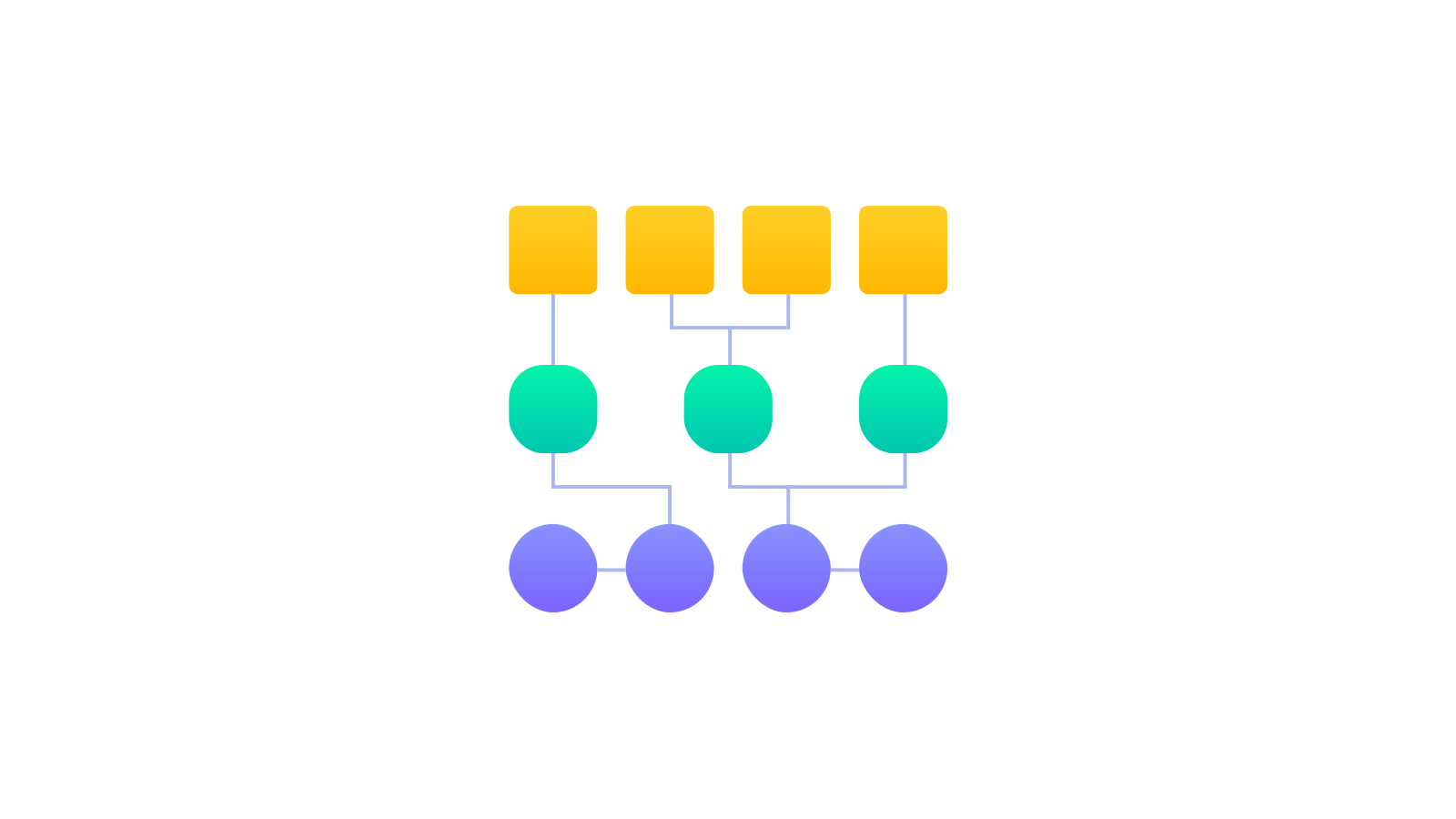
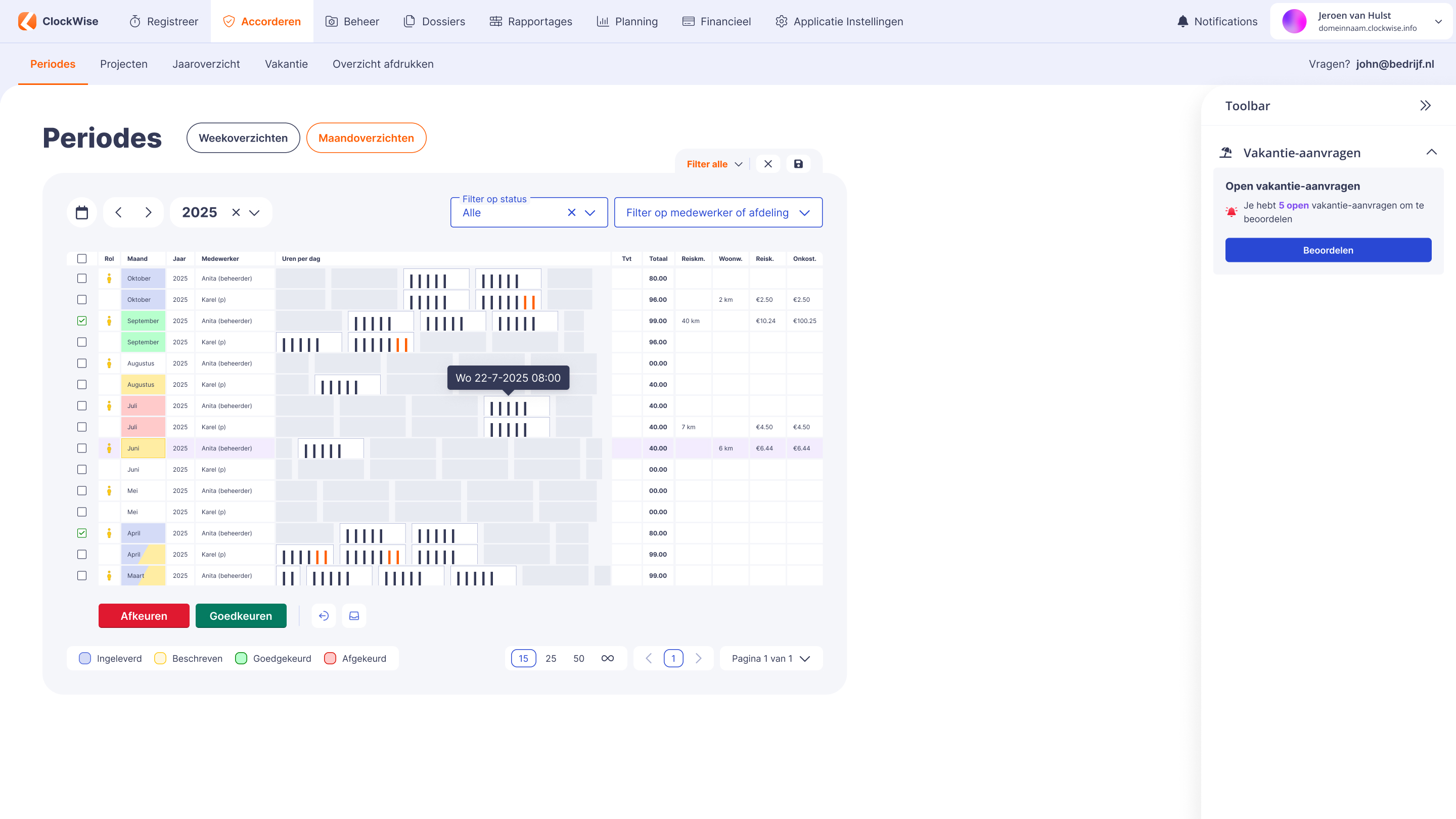
In complex projects where you work with different partners, good project time tracking is essential. As a project manager you know that better than anyone. ClockWise offers extensive options for this. Every partner can record hours for the project within the same system, while the project manager can easily keep track of the total costs and progress. ClockWise also makes it possible to generate pro forma invoices based on the recorded hours and purchase rates. That is especially handy for large construction projects or research projects in which several parties work together and invest. The system offers roles and permissions per partner, so you stay in control of who can view and edit which data. This makes for transparent and structured collaboration, whatever the complexity of the project.
Experience it yourself
We understand that implementing ClockWise straight away is a big step. That is why we offer ClockWise free for 4 weeks. During those 4 weeks you can use all the features, with the support of our service desk.