
Integrating Yuki

Combine the ease of use of ClockWise with the straightforward Yuki.

Logo van Yuki

How it works

With the integration between ClockWise and Yuki you can transfer the invoices created in ClockWise to journal entries in Yuki. In Yuki you create an API key that is stored in ClockWise, so you are logged in automatically when you go to the administration connector.

Possible settings

You can choose from the following settings: export debtors, specify a default debtors journal, enter a default creditors journal and show the invoice number in the description of the entry.

Are you already a customer, or would you like more information?

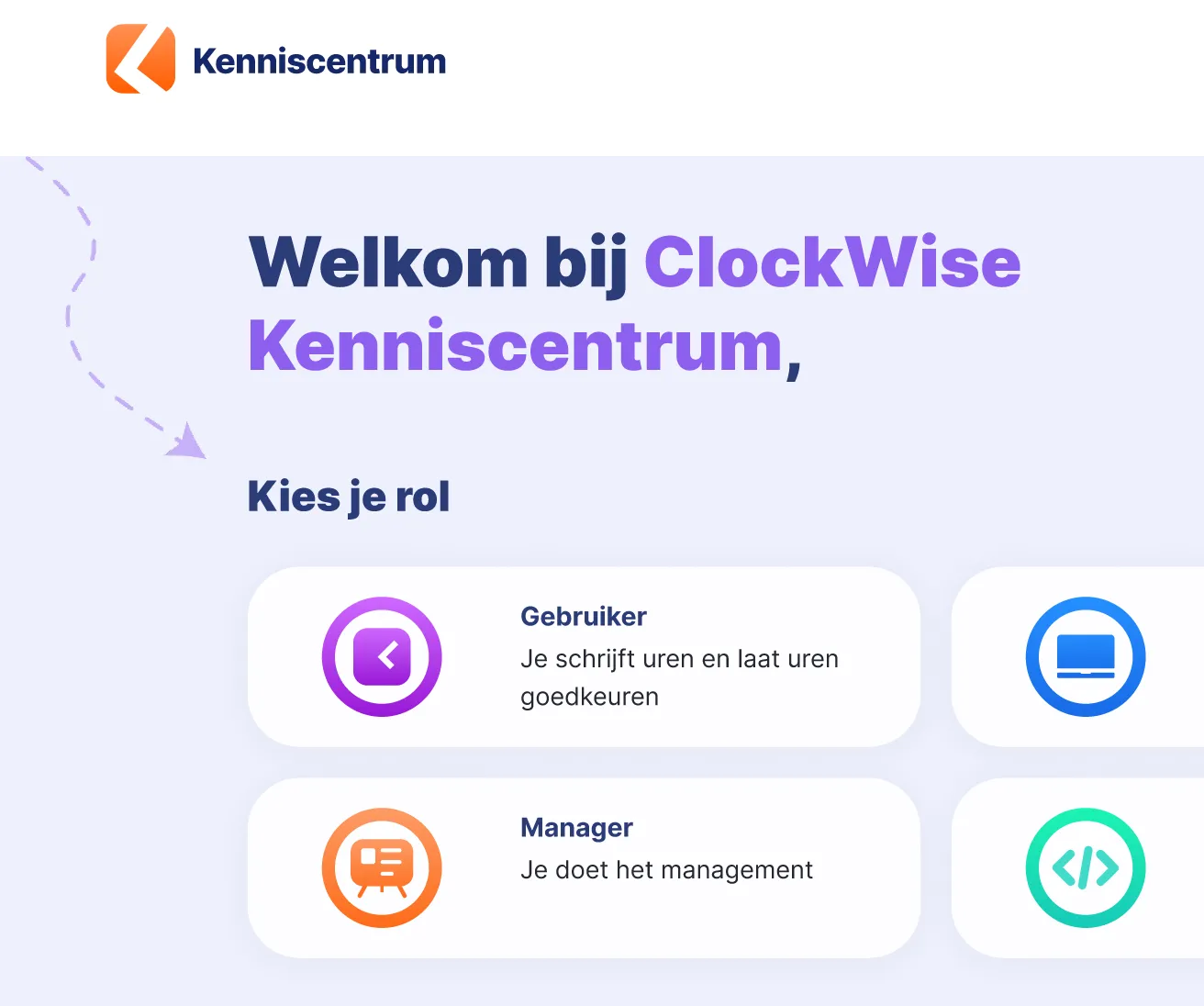
Then take a look at our knowledge centre. There you will find detailed manuals and all the settings for each integration.

ClockWise app op een smartphone

Meer data ontsluiten?

Werk je liever met een andere BI-tool of wil je ClockWise-data op een andere manier gebruiken? Ontdek onze koppelingen met Qlik en Excel, of gebruik de ClockWise API voor uitgebreidere toepassingen.

Experience it yourself

We understand that implementing ClockWise straight away is a big step. That is why we offer ClockWise free for 4 weeks. During those 4 weeks you can use all the features, with the support of our service desk.
Illustratie bij het gratis uitproberen van ClockWise

Frequently asked questions

See if your answer is here

Am I required to keep a record of hours worked?

Yes. As an employer in the Netherlands you are required to record the hours your employees work. That is laid down in the Working Hours Act. The law is simply there to make sure people do not work too much and get enough rest. How exactly you keep those records is up to you, as long as your registration is clear and reliable. Discover here how ClockWise can help you keep a clear and correct record of hours.

Is switching to ClockWise complicated?

No, switching to ClockWise is simple. The system is easy to use and quick to understand, so you can get started without long or expensive implementation projects. We guide you through the setup where needed, so you can switch quickly and smoothly and work efficiently right away.

What service does ClockWise offer?

Our customer service is directly available by phone, by email or through the website. No ticket systems or endless waiting times, but a colleague who thinks along with you straight away. Whether your question is about settings, reports or invoicing, we are here for you. Many customers choose ClockWise precisely because of our personal approach and short lines.

Does ClockWise have a knowledge centre?

ClockWise has kenniscentrum.clockwise.info, where you can find answers to your questions about time tracking and the hours screen, the holiday card, the reports and the financial options in ClockWise. If you get stuck, you can always contact our service desk.

Does ClockWise have an API?

ClockWise has an API. It is accessible once you have a ClockWise subscription. With the API you can retrieve data for your dashboard, for example in Power BI or Qlik, or you can create projects and employees.

What does time tracking give me?

Time tracking offers many benefits. It gives insight not only into employee activity and productivity, but also into costs and the efficiency of your work processes. Time tracking is also important for assessing project status and returns, and it forms the basis for accurate invoicing. It also allows companies to improve their operational efficiency.

Why is time tracking important for R&D projects?

Do you work on innovative projects, or do you want to make use of subsidies such as the Dutch WBSO? Then good time tracking is often mandatory. The government wants to know exactly how much time is invested in research and development. By keeping your hours neatly, you can easily show that you meet the conditions. That way you avoid missing out on a subsidy and you always have insight into the effort within your R&D projects. Read more here about how ClockWise supports time tracking for the WBSO.

Can I use iDEAL payment links in my invoices?

Yes. With a Mollie account you can easily add iDEAL payment links to your invoices in ClockWise. Customers pay faster and you keep an overview. You connect it by entering your Mollie API key in ClockWise and setting the payment link as a default or per customer. Our team is of course happy to help you integrate this. See here how to add an iDEAL link to invoices.